رتب أفكارك. ابنِ قاعدة معرفتك الشخصية.

تريليوم هو حل مفتوح المصدر لتدوين الملاحظات وتنظيم قاعدة المعرفة الشخصية. استخدمه محليًا على جهاز الكمبيوتر الخاص بك، أو قم بمزامنته مع خادمك المستضاف ذاتيًا للاحتفاظ بملاحظاتك أينما كنت.

تنظيم

هيكيلية الملاحظة

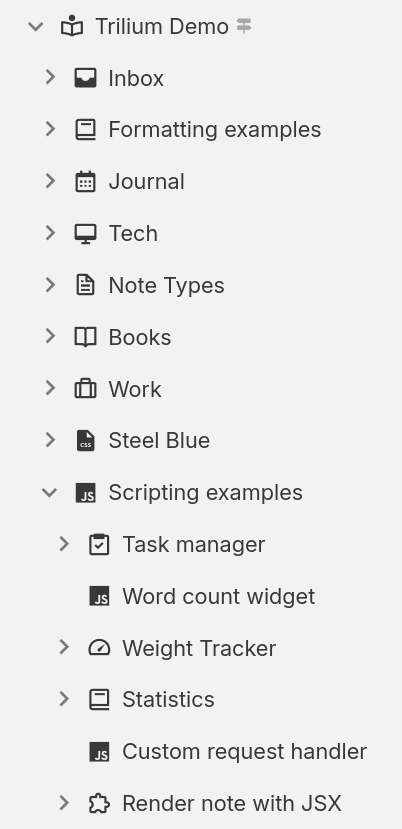
يمكن تنظيم الملاحظات بشكل هرمي. لا حاجة للمجلدات، إذ يمكن أن تحتوي كل ملاحظة على ملاحظات فرعية. ويمكن إضافة الملاحظة الواحدة في عدة مواضع ضمن التسلسل الهرمي.

العلاقات وجداول الملاحظة

استخدم العلاقات بين الملاحظات أو أضف تصنيفات لتسهيل عملية التصنيف. استخدم السمات المُروَّجة لإدخال معلومات مُهيكلة يمكن استخدامها في الجداول واللوحات.

مساحات العمل والتركيز على الملاحظة

يمكنك بسهولة فصل ملاحظاتك الشخصية وملاحظات العمل عن طريق تجميعها ضمن مساحة عمل، مما يركز شجرة الملاحظات الخاصة بك لعرض مجموعة محددة من الملاحظات فقط.

الانتاجية والسلامة

مراجعات الملاحظة

تُحفظ الملاحظات دوريًا في الخلفية، ويمكن استخدام التعديلات للمراجعة أو للتراجع عن التغييرات غير المقصودة. كما يمكن إنشاء التعديلات عند الطلب.

‎المزامنة

استخدم نسخة مستضافة ذاتيًا أو نسخة سحابية لمزامنة ملاحظاتك بسهولة عبر أجهزة متعددة، وللوصول إليها من هاتفك المحمول باستخدام تطبيق ويب تقدمي (PWA).

الملاحظات المحمية

احمِ معلوماتك الشخصية الحساسة عبر تشفير الملاحظات وقفلها خلف جلسة محمية بكلمة مرور.

الاوامر والبحث السريع

انتقل بسرعة إلى الملاحظات أو أوامر واجهة المستخدم عبر التسلسل الهرمي من خلال البحث عن عناوينها، مع ميزة المطابقة التقريبية لتجاوز الأخطاء الإملائية أو الاختلافات البسيطة.

البحث القوي

أو ابحث عن نص داخل الملاحظات وضيّق نطاق البحث عبر التصفية حسب الملاحظة الرئيسية، أو حسب مستوى التفرع.

اداة قص الويب

اقتبس صفحات الويب (أو لقطات الشاشة) وضعها مباشرة في Trilium باستخدام إضافة المتصفح مقص الشبكة (Web Clipper).

طرق متعددة لعرض معلوماتك

  • ملاحظات النص

    يتم تحرير الملاحظات باستخدام محرر مرئي (WYSIWYG)، مع دعم للجداول، والصور، والعبارات الرياضية، وكتل التعليمات البرمجية مع تمييز بناء الجملة. يمكنك تنسيق النص بسرعة باستخدام قواعد "Markdown" أو عبر أوامر الشرطة المائلة (slash commands).
  • ملاحظات الكود

    تستخدم العينات الكبيرة من التعليمات البرمجية أو النصوص البرمجية (Scripts) محررًا مخصصًا، مع تمييز الصيغة للعديد من لغات البرمجة وبسمات ألوان متنوعة.
  • ملاحظات الملف

    تضمين ملفات الوسائط المتعددة مثل ملفات PDF والصور ومقاطع الفيديو مع ميزة المعاينة داخل التطبيق.
  • مساحة العمل

    Arrange shapes, images and text across an infinite canvas, using the same technology behind excalidraw.com. Ideal for diagrams, sketches and visual planning.
  • مخططات Mermaid

    Create diagrams such as flowcharts, class & sequence diagrams, Gantt charts and many more, using the Mermaid syntax.
  • خريطة ذهنية

    Organize your thoughts visually or do a brainstorming session.

and others: note map, relation map, saved searches, render note, and web views.

المشاركة وقابلية التوسيع

استيراد/تصدير

Easily interact with other applications using Markdown, ENEX, OML formats.

Share notes on the web

If you have a server, it can be used to share a subset of your notes with other people.

البرمجة النصية المتقدمة

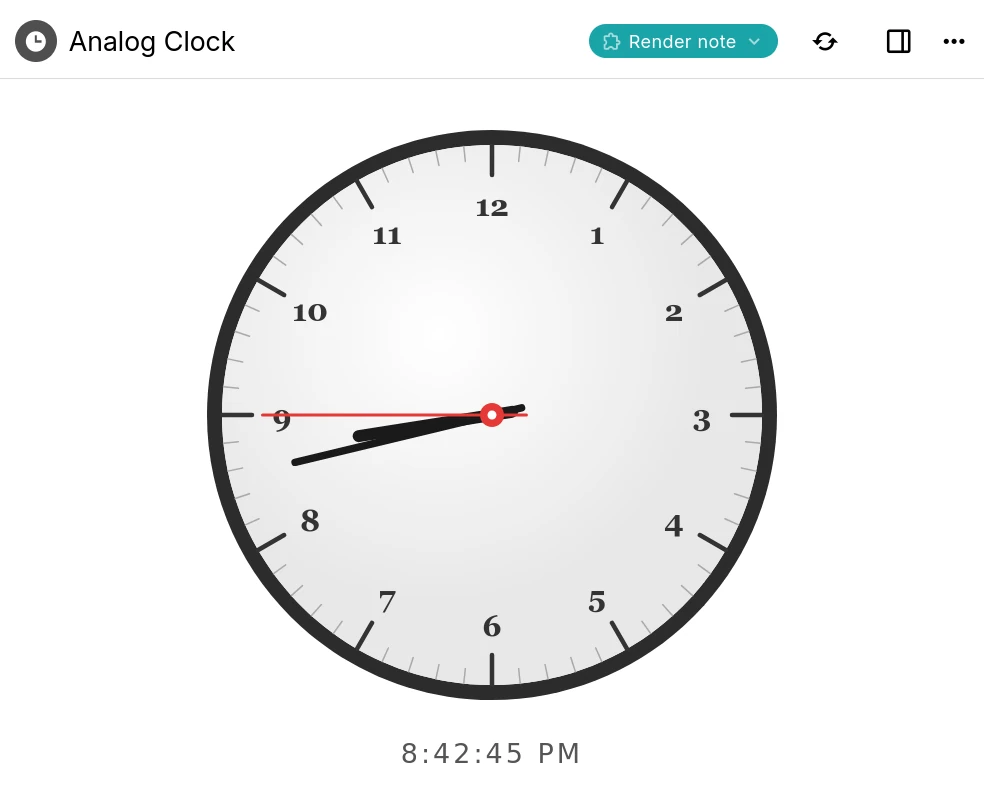
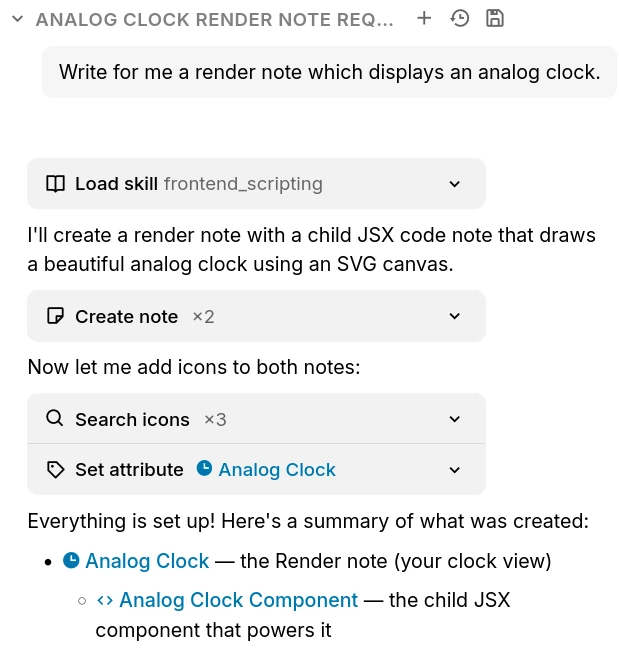
Build your own integrations within Trilium with custom widgets, or server-side logic.

واجهة برمجة REST

Interact with Trilium programatically using its builtin REST API.

Collections

  • التقويم

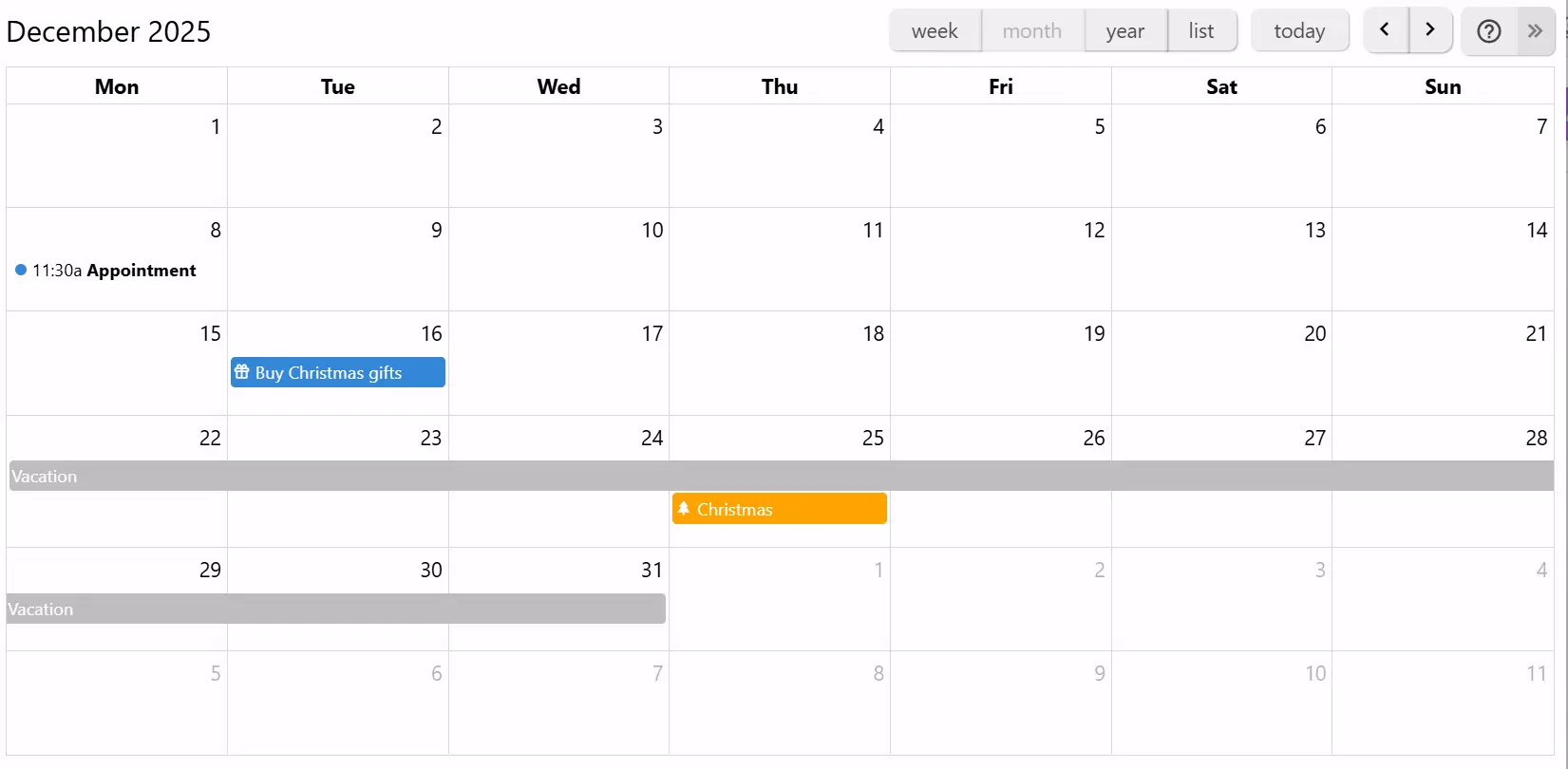
    Organize your personal or professional events using a calendar, with support for all-day and multi-day events. See your events at a glance with the week, month and year views. Easy interaction to add or drag events.
  • جدول

    Display and edit information about notes in a tabular structure, with various column types such as text, number, check boxes, date & time, links and colors and support for relations. Optionally, display the notes within a tree hierarchy inside the table.
  • لوحة

    Organize your tasks or project status into a Kanban board with an easy way to create new items and columns and simply changing their status by dragging across the board.
  • خريطة جغرافية

    Plan your vacations or mark your points of interest directly on a geographical map using customizable markers. Display recorded GPX tracks to track itineraries.
  • Presentation

    Organize information into slides and present them in full-screen with smooth transitions. The slides can also be exported to PDF for easy sharing.

الاسئلة المتكررة

Is there a mobile application?

Currently there is no official mobile application. However, if you have a server instance you can access it using a web browser and even install it as a PWA. For Android, there is an unofficial application called TriliumDroid that even works offline (same as a desktop client).

Where is the data stored?

All your notes will be stored in an SQLite database in an application folder. The reasoning why Trilium uses a database instead of plain text files is both performance and some features would be much more difficult to implement such as clones (same note in multiple places in the tree). To find the application folder, simply go to the About window.

Do I need a server to use Trilium?

No, the server allows access via a web browser and manages the synchronization if you have multiple devices. To get started, it's enough to download the desktop application and start using it.

How well does the application scale with a large amount of notes?

Depending on usage, the application should be able to handle at least 100,000 notes without an issue. Do note that the sync process can sometimes fail if uploading many large files (1 GB per file) since Trilium is meant more as a knowledge base application rather than a file store (like NextCloud, for example).

Can I share my database over a network drive?

No, it's generally not a good idea to share a SQLite database over a network drive. Although sometimes it might work, there are chances that the database will get corrupted due to imperfect file locks over a network.

How is my data protected?

By default, notes are not encrypted and can be read directly from the database. Once a note is marked as encrypted, the note is encrypted using AES-128-CBC.

Ready to get started with Trilium Notes?

Build your personal knowledge base with powerful features and full privacy.